

All integrations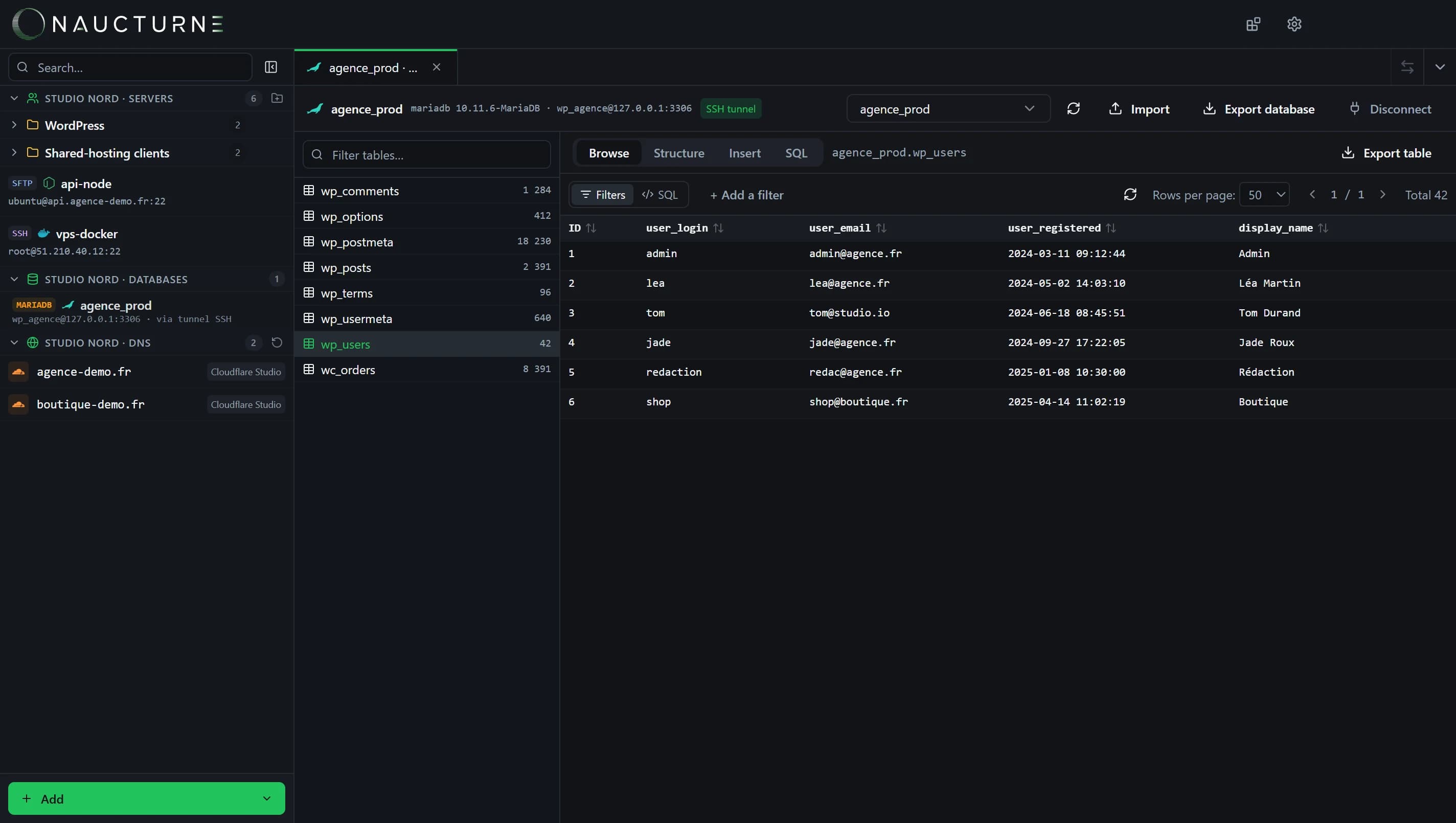
The database client, shared by every engine (here MariaDB).
SQLite
Databases
Pick a .sqlite or .db file in the server's explorer: Naucturne opens it in place, over SSH, with no local copy.
What Naucturne does with SQLite
Opened in place
Queries run on the server; only results travel back.
Picked in the explorer
Select the file in the remote tree when adding the database.
Read-only
Protect a production database against accidental writes.
WAL mode included
You read the live file, recent writes included.
How to connect
- 1In an SSH or SFTP server's site manager, Databases tab, add a SQLite database.
- 2Browse the server and select the file; tick read-only if needed.
- 3Open the database from the sidebar.
Scope and limits
- Requires SSH access and Python 3 with the sqlite3 module on the server.
- Not available on FTP-only hosting.
Frequently asked questions
Do I need to install anything on the server?
Only Python 3, present by default on most Linux distributions. Naucturne installs nothing.
Can I still download the file?
Yes, like any other file, from the dual-pane.
Ready to take back control of your servers?
Enjoy a 14-day free trial, no credit card required, then choose the plan that fits your team. Per-seat billing, adjustable anytime.