

All integrations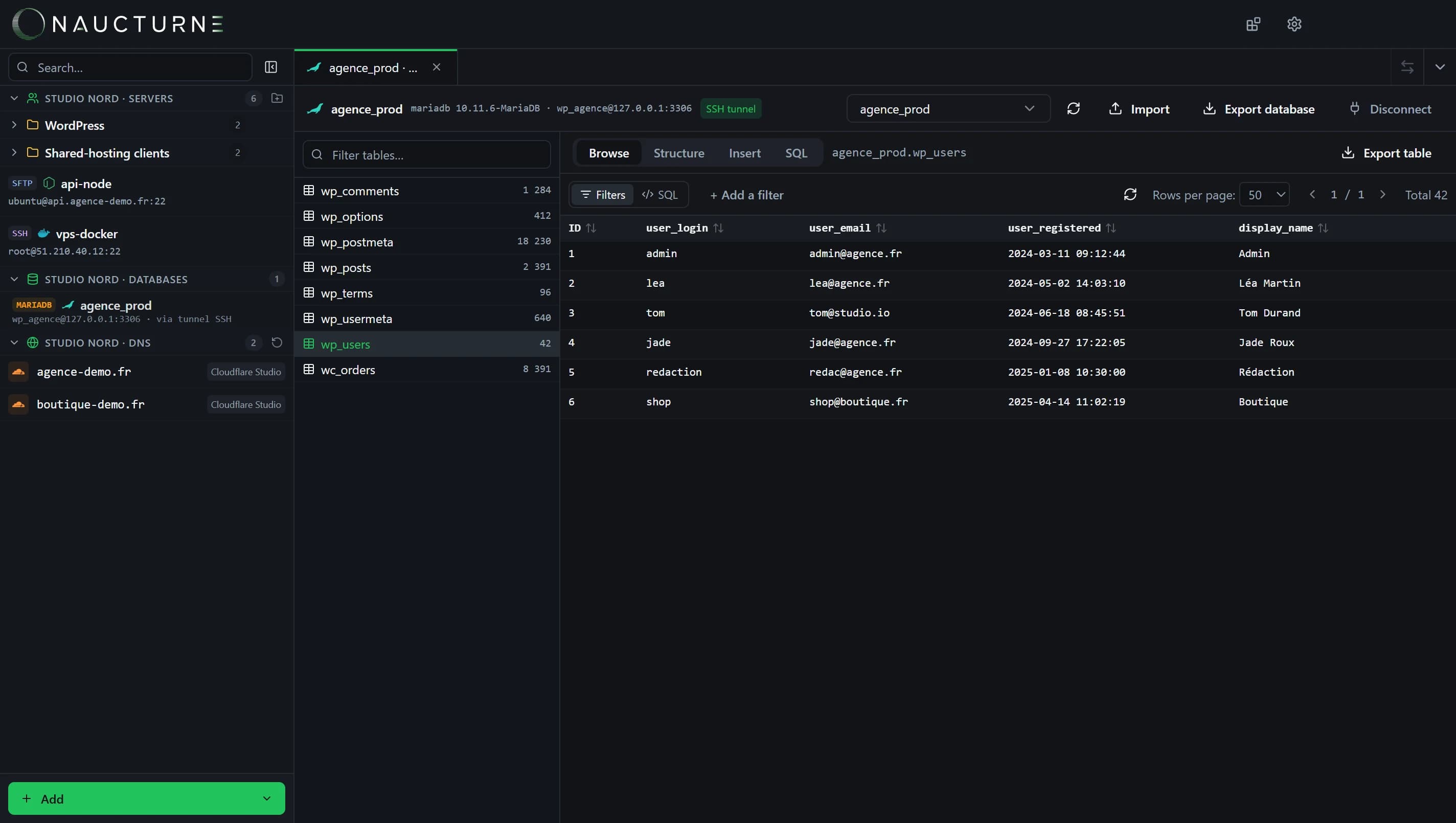
The database client, shared by every engine (here MariaDB).
MySQL
Databases
Reach your MySQL databases anywhere: direct, through an SSH tunnel, or even on FTP-only shared hosting thanks to the PHP gateway.
What Naucturne does with MySQL
Three connection modes
Direct when the port is open, SSH tunnel through the site's server, or an ephemeral PHP gateway.
Browse and filter
Pagination, sorting, and a filter builder that needs no SQL.
SQL editor
Run queries, edit rows in place, insert through a form.
Import and export
Run a .sql script; export a table or the whole database.
How to connect
- 1Open the site manager, Databases tab, and add a MySQL profile.
- 2Choose the mode: direct, SSH tunnel or PHP gateway (the site's public URL).
- 3Open the database from the Databases section of the sidebar.
Scope and limits
- The Free plan includes 10 database profiles.
- The PHP gateway and export are included from Pro.
Frequently asked questions
How does the PHP gateway work?
Naucturne uploads a PHP script with a random name and token, talks to it through the site's URL, then deletes it when you disconnect.
Is the database password encrypted?
Yes, profiles are end-to-end encrypted in your vault and can be shared with your team.
Ready to take back control of your servers?
Enjoy a 14-day free trial, no credit card required, then choose the plan that fits your team. Per-seat billing, adjustable anytime.