

All integrations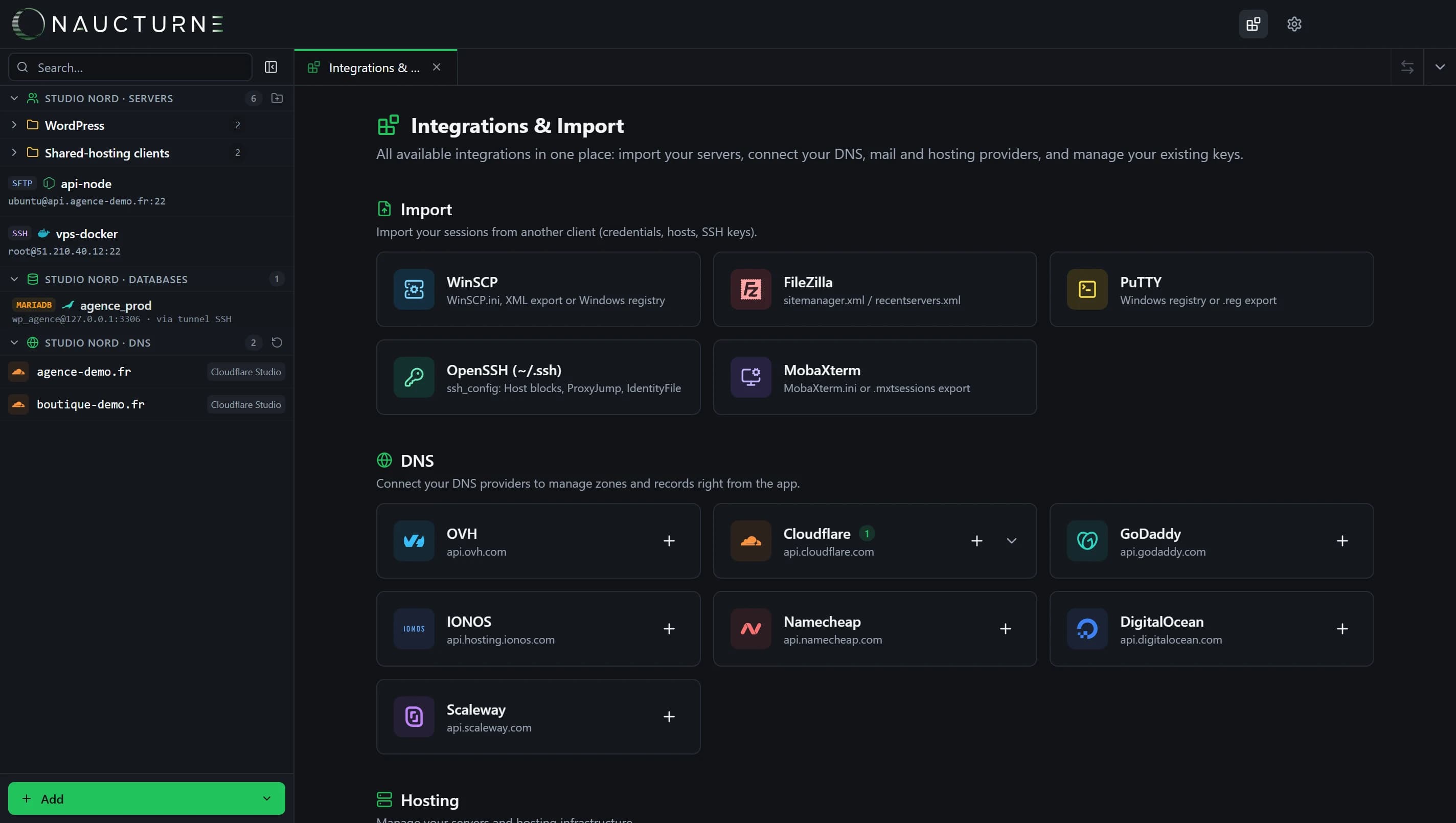
All five import sources live in Integrations & Import.
M
MobaXterm
One-click imports
Leave MobaXterm without retyping everything: Naucturne reads your sessions, converts SSH gateways and imports referenced keys.
What Naucturne does with MobaXterm
MobaXterm.ini
Looked up in Documents\MobaXterm and %AppData%\MobaXterm.
.mxtsessions export
Right-click a sessions folder → Export sessions, then load the file.
SSH gateways
They become relay servers (ProxyJump).
Keys imported
Referenced private keys join the encrypted vault.
How to connect
- 1In Naucturne: Integrations & Import → MobaXterm.
- 2Click Automatic detection (or load a .mxtsessions export).
- 3Check the preview, pick the vault and import.
Scope and limits
- MobaXterm passwords are encrypted by MobaXterm and must be re-entered.
- Only SSH, SFTP and FTP sessions are imported.
Frequently asked questions
Does MobaXterm need to be installed?
No, a .mxtsessions export is enough.
Are session folders kept?
Yes, their path is kept in the sites' names.
Ready to take back control of your servers?
Enjoy a 14-day free trial, no credit card required, then choose the plan that fits your team. Per-seat billing, adjustable anytime.