

All integrations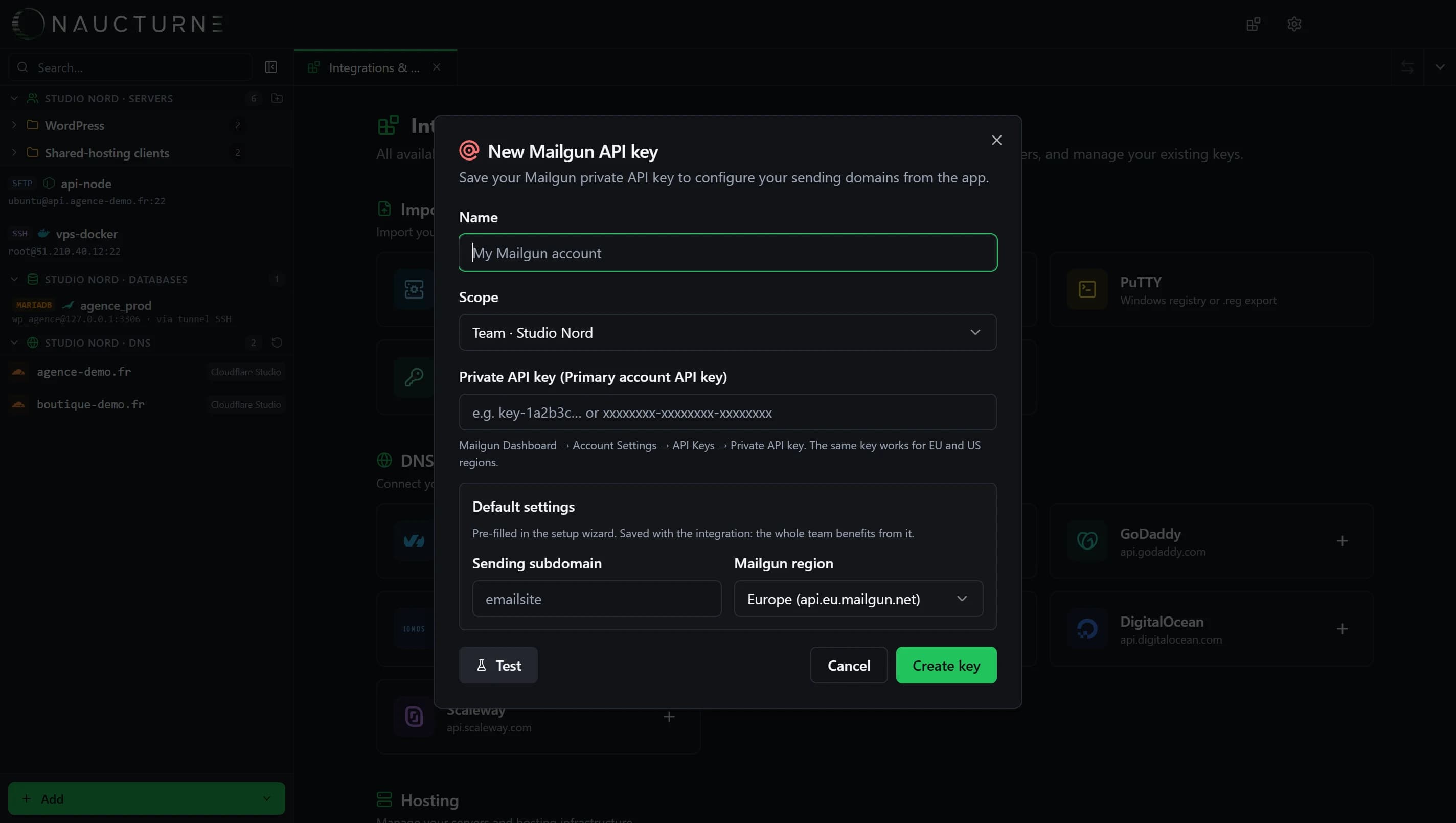
Mailgun
Transactional Email Service
Connect a domain to Mailgun without copying a single record: Naucturne creates the sending domain, writes the DNS setup and verifies it.
What Naucturne does with Mailgun
EU and US regions
The same key works for api.eu.mailgun.net and api.mailgun.net; pick the default region.
DNS written for you
If the zone is managed in Naucturne, SPF, DKIM, MX and DMARC are written automatically.
Dedicated sending key
Generate an SMTP / API sending key for your application, shown only once.
Verification
Trigger Mailgun verification and follow its status from the app.
How to connect
- 1In Mailgun: Account Settings → API Keys, copy the private API key.
- 2In Naucturne: Integrations & Import → Mail server → Mailgun, paste the key and choose the region.
- 3From a DNS zone, open "Transactional Email Service" and follow the wizard.
Scope and limits
- Transactional email is included from the Pro plan.
- Automatic record writing requires the zone to be managed by a connected DNS provider.
Frequently asked questions
My DNS is not at a connected provider, does it work?
Yes: Naucturne shows the records to create, ready to copy to your provider.
Does Naucturne send emails?
No. It sets up the domain and key; your application sends through Mailgun.
Ready to take back control of your servers?
Enjoy a 14-day free trial, no credit card required, then choose the plan that fits your team. Per-seat billing, adjustable anytime.